Installation - WooCommerce Credit Card Plugin
Important – please always backup your website before making upgrades or changes!
This WordPress plugin lets our gateways work with the WooCommerce Storefront to accept credit cards safely and securely.
Installation is simple. Use WordPress’s built-in installer.
WooCommerce Credit Card plugin installation:
Download .zip file we sent you
In WordPress, select "Plugins" from left menu
Click "Add New"
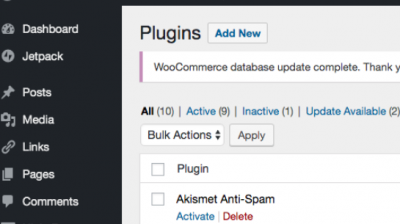
Select "Upload Plugin"
Click "Choose File" > select our .zip plugin file
Click "Install Now" > Click "Activate Plugin"

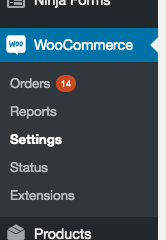
Go to WooCommerce > "Settings"
Click "Payments" tab
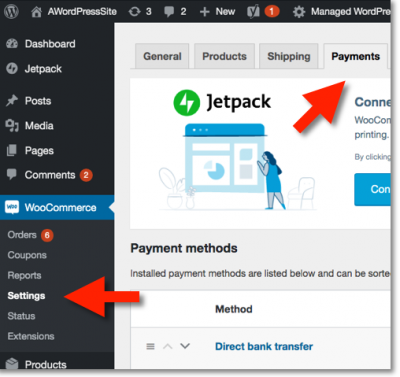
Toggle/ Enable Options for CC/Credit Card (image below) > "Save Changes" button
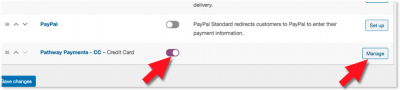
Click "Manage" button, to the right of CC/Credit Options you selected
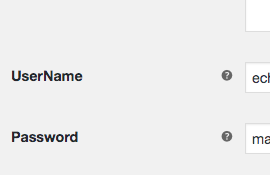
Input Username and Password > Save Changes
We recommend you process a live transaction on using your own credit card details.
For example, you can do a $1 dollar test transaction on your website.